
Ever thought about scoring awesome gaming gear without emptying your wallet? We've put together a guide that walks you through top-rated peripherals all under $150.
Imagine gear that delivers quick clicks, clear visuals, and comfort, all without a hefty price tag. We break down proven picks like favorite mice, keyboards, and headsets so your setup feels like it's powered up.
Ready to see which budget picks can help level up your game? Dive in and check them out.
Top Expert Picks for Budget Gaming Peripherals Under $150
If you’re looking for cool gaming gear without spending a fortune, check out these five expert-approved picks that mix good performance with a friendly price tag.
- SteelSeries Rival 3 Mouse – about $30 – This mouse rocks a TrueMove Core sensor (8,500 DPI) and tough switches for smooth, responsive movement.
- Logitech G203 Mouse – about $30 – Offers up to 8,000 DPI and six programmable buttons, making it a solid choice for all styles of play.
- Redragon K552 Mechanical Keyboard – under $30 – Comes with 19 RGB backlight options and mechanical switches that react fast for a sharp gaming edge.
- Logitech G413 SE Mechanical Keyboard – about $80 – Sports a brushed-aluminum finish with Romer-G tactile switches for a sleek design and stable key response.
- HyperX Cloud Stinger 2 Headset – about $50 – Provides virtual 7.1 surround sound and swiveling ear cups to keep you comfy during those long gaming sessions.
The best combo really depends on your play style and budget. For example, if you need a full set – keyboard, mouse, and headset – you could team up the SteelSeries Rival 3, Redragon K552, and HyperX Cloud Stinger 2 for a seriously balanced setup. Think about your grip and how intense your gameplay is when choosing between the Logitech G203 and the Rival 3, or if you want flashy RGB lights, then the Redragon K552 might be your pick over the sturdier yet refined Logitech G413 SE. These choices are built to keep your gaming strong and budget in check.
Budget Gaming Peripherals Expert Reviews: Top Mice Under $30
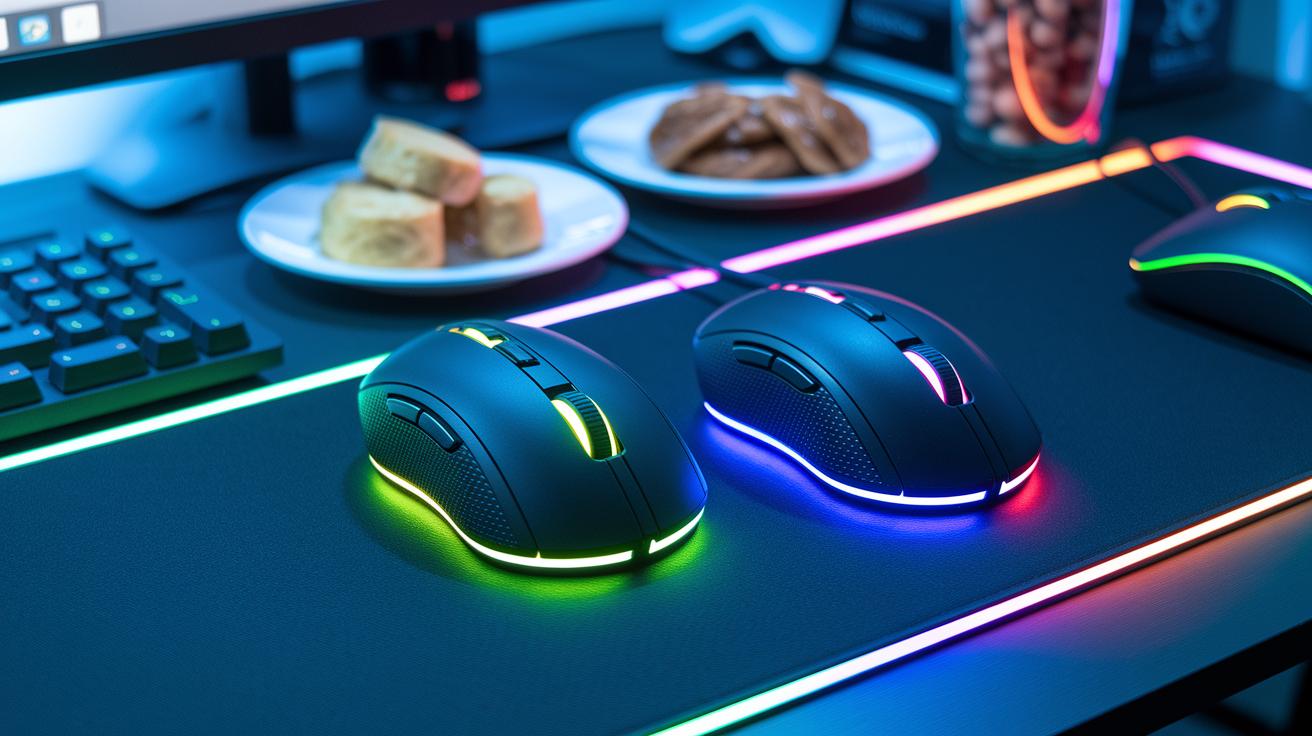
Looking for gaming gear that won’t break the bank? We dug into four budget-friendly mice that promise quick clicks and solid comfort during those epic gaming marathons. Each mouse packs the essentials you need to win without compromising on quality.
Here’s a quick breakdown:
| Mouse Model | Sensor | Max DPI | Key Features |
|---|---|---|---|
| SteelSeries Rival 3 | TrueMove Core | 8,500 | Durable switches for long sessions |
| Logitech G203 | N/A | 8,000 | Six programmable buttons and a balanced design |
| HyperX Pulsefire Core | Pixart 3327 | 6,200 | Ergonomic shape for hours of comfort |
| Roccat Burst Core | Owl-Eye | 12,000 | Lightweight for quick and agile moves |
Choosing your perfect mouse is all about matching it with your grip and play style. Ever notice how a light, quick mouse can really boost your performance if you favor fingertip control? On the other hand, if you prefer a palm grip, the steady feel of the Logitech G203 might just be your best bet. Dive in, test them out, and see which one feels right for your next big gaming session!
Budget Gaming Peripherals Expert Reviews: Mechanical Keyboards Under $80
Our lab recently put these keyboards to the test side by side, and we even got some fresh user feedback. We know you’ve heard about the Redragon K552 and Logitech G413 SE in our earlier reviews, but each one really shines in tight, high-stakes gaming sessions. One tester said the K552 feels like a lightning-fast combo, each tap counts when every millisecond matters.
| Keyboard Model | Price | Key Features |
|---|---|---|
| Redragon K552 Mechanical Keyboard | Under $30 | 19 customizable RGB backlight modes, independent mechanical switches |
| Logitech G413 SE | $80 | Brushed-aluminum top case, Romer-G tactile switches (a type of responsive switch), improved key stability |
| Generic Membrane Keyboard | About $20 | Slower response, shorter lifespan, less durable keys |
We also found that the Logitech G413 SE gives a smoother and quieter keystroke, which is a big plus in competitive play. One reviewer noted, "The tactile feedback and steady response really boost my confidence during clutch plays, every key press matters." This shows that spending up to $80 on a mechanical keyboard isn’t just about the specs; it’s about getting that quick, consistent response when victory is on the line.
Budget Gaming Peripherals Expert Reviews: Headsets Under $50

If you’re gearing up for epic sessions, you know that great surround sound and comfy wear can make or break your game. Take the Razer Kraken X, it’s around $50 and packs a virtual 7.1 surround experience (boosted by smart software) in a lightweight design that’s perfect for those long marathon rounds.
On a tighter budget, the Corsair HS35 at about $45 is a solid pick. It comes with a detachable mic and on-ear controls, making team chats super smooth. Then there’s the HyperX Cloud Stinger 2, priced at roughly $40. With its reliable virtual 7.1 surround sound and rotating ear cups that tip the scales at just 275 grams, it strikes a cool balance between comfort and performance.
When you’re picking the right headset, think about what matters most to you. The Kraken X amps up your sound immersion, the HS35 makes nailing in-game communications a breeze, and the Cloud Stinger 2 keeps things comfy even during those endless gaming marathons.
Key points to weigh:
- Audio clarity
- Mic quality
- Comfort
Your choice depends on which of these features will boost your game the most, whether that’s pulling off epic sound effects, crystal-clear callouts with your team, or simply staying comfortable as you rack up those wins.
Budget Gaming Peripherals Expert Reviews: Essential Affordable Accessories
If you're putting together an epic gaming setup without draining your wallet, these accessories are built to amp up both your performance and comfort. Each gear piece has been tested for quality and price, proving that great gaming doesn't have to be expensive. These picks crank up your desk’s practicality and add that special vibe for smooth, distraction-free sessions.
- SteelSeries QcK Mouse Pad – $14.99: Enjoy a silky-smooth surface that gamers love, with over 90,000 positive reviews and a 4.7-star rating.
- Anker Portable Charger – ~ $30: Keep your Switch and mobile devices powered up on the go with multi-port USB output.
- Amazon Basics Switch Carry Case – $15: Built with a tough EVA shell, this case protects your console from everyday bumps.
- Keelixin LED Light Strip – $25: Light up your gaming zone with 65.6 ft of ambient bias lighting that creates a cool atmosphere.
- Homall Gaming Chair – $120: Get the ergonomic support you need to stay comfy during long gaming marathons.
Staying comfy and keeping your gear in top shape is key for those marathon sessions and crucial moments in your game. Enjoy your setup and game on!
Budget Gaming Peripherals Expert Reviews: Buying Guide for Cost-Efficient Choices
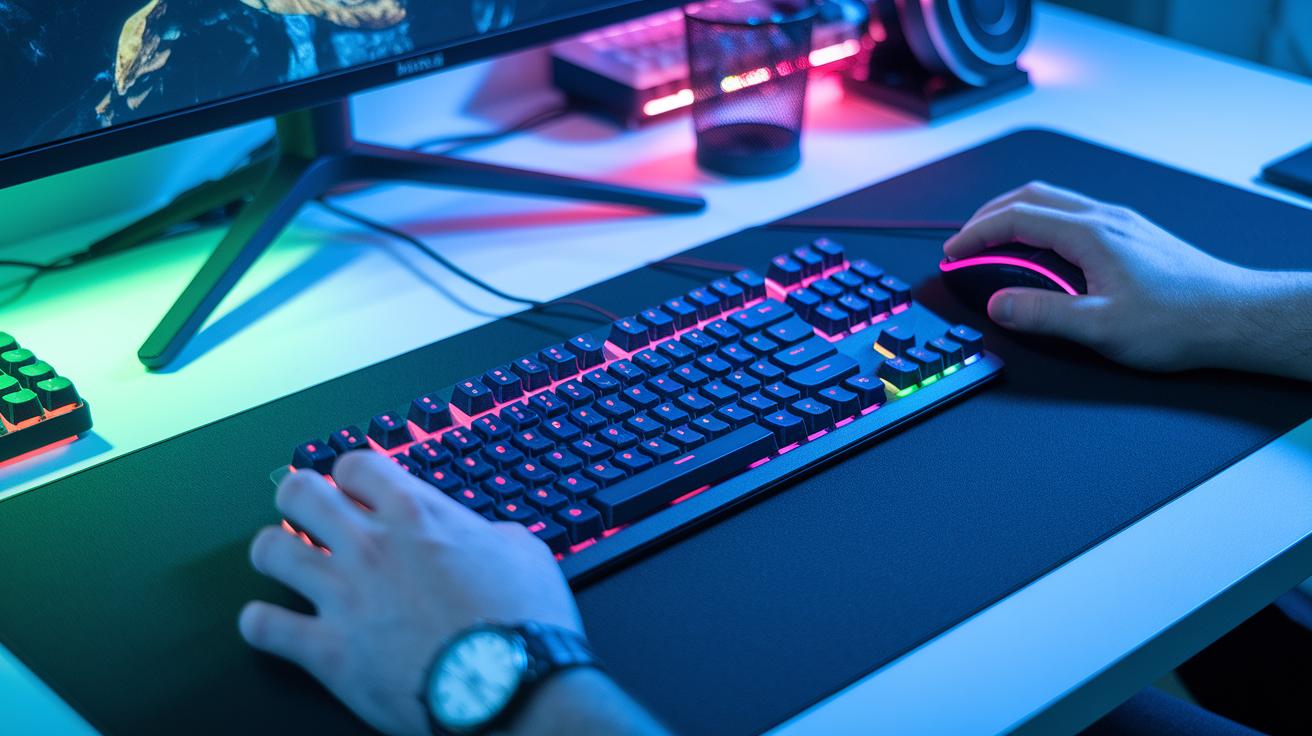
Performance Metrics
When you’re on the hunt for budget-friendly gear, focus on the numbers that really matter. For a mouse, check out its sensor DPI (dots per inch, which measures how far your cursor moves) and rPM (rounds per minute, which tells you how fast it tracks). For keyboards, the force needed to press a key is key for swift gaming moves, especially during those nail-biting moments. And when it comes to headsets, a clear frequency response makes all the difference between hearing every footstep and missing out on crucial cues. Fun fact: even a 5% boost in response time can give you that extra edge in competitive play!
Durability & Warranty
Good gear is built to last. Most quality peripherals can stick around for five years or more. Materials like brushed aluminum or tough plastic help keep your setup strong over time, and a longer warranty is usually a sign that the maker really believes in their product.
Ergonomics & Comfort
Comfort can totally change your gaming experience, especially during long sessions. Think about the weight and shape of your mouse or keyboard, and decide if you prefer a wired or wireless setup. A well-designed peripheral can cut down on fatigue and keep your hands feeling great, even after hours of play. Ever felt that instant relief when your gear just fits right?
Connectivity Options
How your gear connects is another important piece of the puzzle. USB wired devices often offer faster response times, while wireless options like 2.4 GHz or Bluetooth give you more freedom without too much lag. At the end of the day, knowing your play style will help you choose devices that deliver solid performance without any extra distractors. Let comfort, durability, and reliable connectivity guide you toward a smart buy.
Budget Gaming Peripherals Expert Reviews: Monitor & Audio Upgrades on a Budget
If you’re upgrading your gaming setup on a budget, check out the Samsung Odyssey QD-OLED G6. This 27-inch monitor packs a crisp 1440p resolution and a rapid 240 Hz refresh rate (think insanely smooth gameplay), making even the most heated matches feel fluid. It even comes with a trusty 3-year anti-burn-in warranty, so you know it’s built to last. Sure, it costs a bit more, but the detailed, immersive visuals are worth every penny.
Looking for a sound upgrade that won’t crowd your desk? The Creative Sound Blaster Katana V2X might be just what you need. Priced at around $200, this audio bar has an integrated subwoofer for deep bass, straightforward surround sound thanks to its audio DSP, and a cool remote control for easy adjustments. Its compact design keeps your gaming space tidy while still delivering room-filling, crisp sound. It’s a smart move to boost your audio without losing that minimalist vibe.
Final Words
In the action, we broke down top picks for budget gaming peripherals, from sharp mice to responsive keyboards and crisp headsets, each tailored to boost your gameplay. We also pointed out must-have accessories and tips to weigh specs against cost. This guide cuts through the clutter, offering clear insights for affordable setups that hold up in intense matches. Keep checking out budget gaming peripherals expert reviews and gear tips to stay ahead and enjoy every gaming session. Happy gaming and may your next session be epic!
FAQ
What are the recommended budget gaming keyboards?
The recommended gaming keyboards include the Redragon K552 for its mechanical switches and RGB effects, along with the Logitech G413 SE for a refined build. Most budget models are wired, making them both durable and responsive.
What are the best budget gaming mice options for both play and work?
The best budget gaming mice like the SteelSeries Rival 3 and Logitech G203 offer precise sensors and comfortable designs that work great for intense play and everyday work tasks.
What is the best budget wireless gaming mouse option available?
While many top budget gaming mice are wired, keep an eye on emerging wireless models that promise similar performance. Check detailed reviews to compare battery life and input lag before deciding.
Which company makes the best gaming peripherals?
Companies such as SteelSeries, Logitech, and HyperX consistently deliver high-value, performance-driven gaming peripherals that mix quality with affordability for everyday gamers.
What is the best budget SteelSeries keyboard?
This lineup doesn’t feature a SteelSeries keyboard; instead, SteelSeries stands out with its Rival 3 mouse. Top keyboard choices come from brands like Redragon and Logitech that focus on mechanical reliability.


