
Ever wonder if your VR headset is holding you back? Today, we're diving into expert reviews on the best VR headsets trusted by gamers. These picks deliver smooth gameplay and killer visuals that make you feel like you're right in the action. Whether you're on PC, console, or rocking a stand-alone system, there’s a headset built for your style.
Ready to level up your gaming experience? Let's break down the top choices and see what really counts when it comes to immersive VR battles.
Top Gaming VR Headsets: Expert Picks for Gamers
-
Meta Quest 3 is a solid all-rounder that fits both stand-alone and tethered play. Imagine switching quickly from deep-dive gameplay to mixed-reality adventures without a hitch, even if it sometimes reminds you to log in with Facebook.
-
Valve Index shines when you game on a PC. Its smooth Steam integration and spot-on controller tracking make aiming feel like you’re controlling your own digital clone in the heat of a firefight.
-
PlayStation VR2 is your best pick for console gaming. With built-in cameras, eye tracking, and dual 4K OLED panels, it delivers a rich visual experience. Picture feeling every rumble through its Sense controllers, like you’re right in the thick of the action.
-
HTC Vive Pro 2 is geared for those who crave stunning visuals. Offering a resolution of 4896×2448 per eye, it lets you catch every crisp detail in your favorite games.
-
ByteDance Pico 4 Ultra is a great choice if you’re looking for a non-Meta alternative. Its easy interface makes it perfect for anyone eager for a fresh take on VR gaming.
-
Meta Quest 3S comes in as a budget-friendly option at around $400. Even with a strap that's a bit fiddly, it still packs a full VR gaming experience.
-
Pimax Crystal Light is ideal for simulation games, thanks to its wide field of view. Sure, it has a bulkier design, but it lays out an immersive experience for those who really enjoy a deep dive into simulation.
Analyzing VR gameplay trends: innovative strategies explained (https://rogueimc.org?p=7577)
Performance Analysis for VR Headsets: Frame Rate, Tracking, Latency
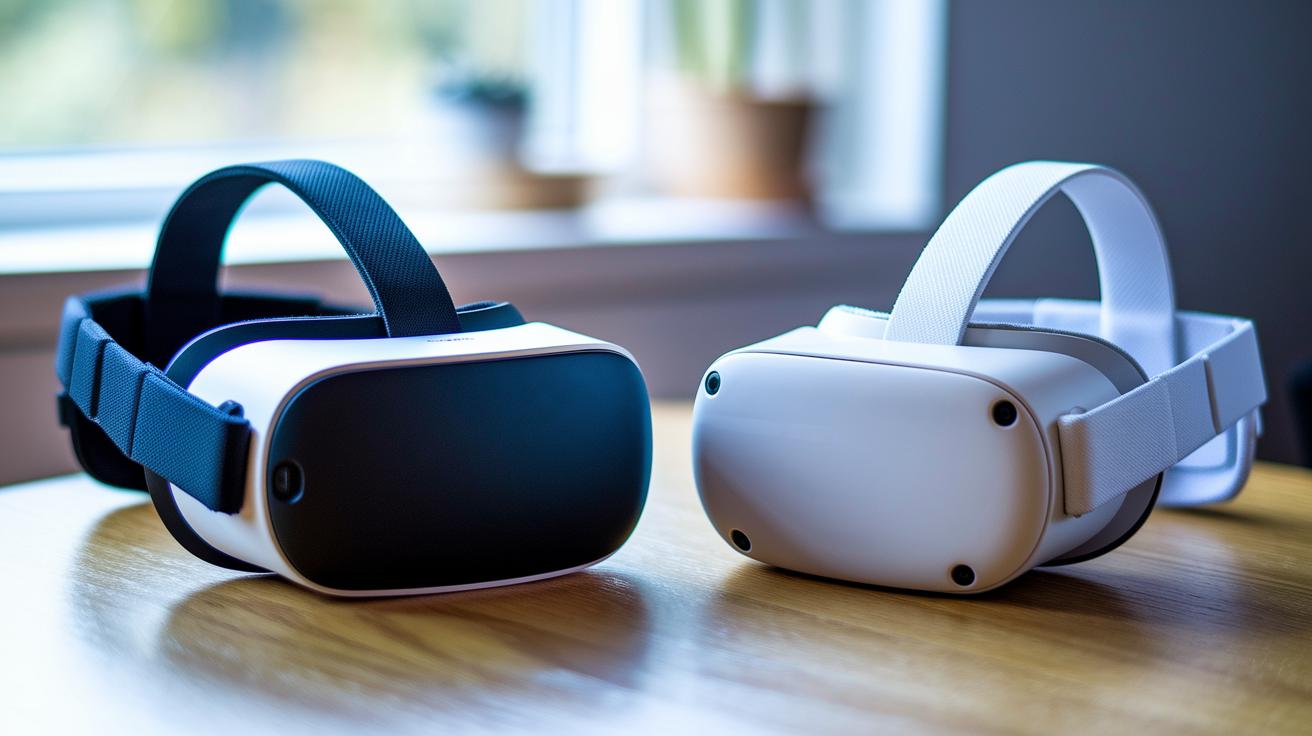
| Headset | Resolution | Refresh Rate | Tracking Type |
|---|---|---|---|
| Valve Index | 1440 x 1600 | 144 Hz | Lighthouse tracking |
| PSVR2 | Dual 4K | 120 Hz | Built-in cameras |
| Vive Pro 2 | 4896 x 2448 | 120 Hz | SteamVR tracking |
| Quest 3/3S | 1832 x 1920 | 90 Hz | Inside-out tracking |
| XR Elite | High resolution | 90 Hz | Inside-out tracking (MR) |
| Pimax Crystal Light | High-res visuals | 90 Hz | Proprietary wired tracking |
This table lays out the key specs gamers care about. The Valve Index, for instance, offers a fast 144 Hz refresh rate and uses Lighthouse tracking to make sure gameplay is smooth on your PC. Then there’s the PSVR2, which packs a dual 4K display and built-in cameras to track your movements, so it's a great choice if you're more into console gaming vibes.
If crisp visuals are your top priority, the Vive Pro 2 stands out with an incredible 4896 x 2448 resolution paired with SteamVR tracking. On the other hand, both the Quest 3/3S and XR Elite are solid picks with a steady 90 Hz refresh rate and inside-out tracking, perfect for standalone and mixed-reality experiences. And while the Pimax Crystal Light delivers sharp display quality, its wired tracking might sometimes add a little lag.
All in all, this snapshot helps you figure out which headset ticks all the boxes for smooth frame rates, clear visuals, and solid tracking.
Expert Review Criteria for Best VR Headsets: Comfort, FOV, Ergonomics
Comfort Metrics
Valve Index feels like it was made just for you thanks to its adjustable comfort dial and well-balanced weight. PSVR2 comes in hot with better airflow and soft, cushioned padding that keeps your head cool during long gaming sessions. Quest 3S is a budget-friendly option, but its strap can be a bit fiddly and might need some extra tweaking to feel just right. Vive Pro 2 is built solidly, though its weight can start to show after a marathon play session. Pico 4 Ultra fits intuitively, molding nicely to many head shapes, while Pimax’s design is a bit bulky and might make you feel tired after too long. For example, testers really liked how the Valve Index’s simple adjustment dial lowered pressure points, a small feature that can totally make or break your gaming night.
Field-of-View Analysis
FOV is super important for really diving into your VR world. Pimax rocks a huge FOV of about 200°, giving you an almost wrap-around experience. The Valve Index nails it with a solid 130° that works great for most setups, and Vive Pro 2 comes in at around 120°. PSVR2, on the other hand, aims for clear visuals with a 110° FOV. These differences can really change how natural your VR space feels, affecting both your side vision and the overall level of immersion when you're deep in the game.
Display & Audio Insights for Gaming VR Headsets
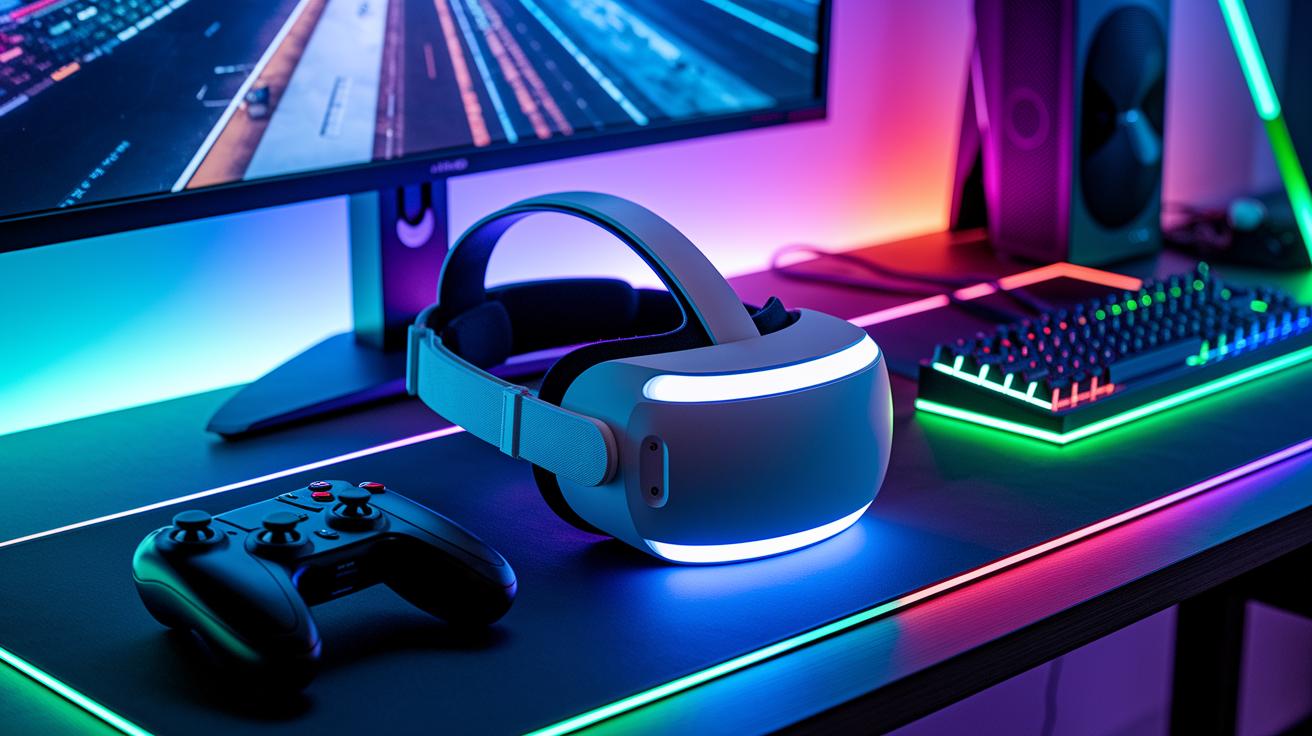
When you're diving into VR gaming, clear visuals and crisp audio are what make it all feel real. Gamers crave headsets that light up every moment with bright images and vibrant sounds that pull you right into the action. Whether you’re storming a busy digital battleground or wandering through a surreal virtual world, detailed displays and rich sound can totally change the game. Plus, smart controller features make every move feel like you're really there.
- PSVR2 rocks dual 4K OLED panels that deliver deep blacks and bold colors. Its PS Sense controllers come with adaptive trigger feedback, adding a dynamic feel to every swing and shot.
- Quest 3/S brings an LCD with full-color passthrough so that real-world lighting blends neatly with game scenes, while its handheld Touch controllers respond quickly to every tap.
- Vive Pro 2 is all about high-res visuals, paired with a customizable audio strap that dishes out clear, crisp sound. Its wand controllers give you precise control, making your gameplay smoother.
- Valve Index features off-ear stereo speakers that spread natural, room-filling sound, teamed with finger-tracking controllers that make every input count.
- XR Elite packs spatial audio to create a real sound stage, matching its immersive visuals so each game feels like a new adventure.
Ever feel that rush when the clear display and booming audio kick in? It’s like stepping into a live game, where every detail counts. Enjoy the game!
Price-to-Performance & Durability Tests of VR Headsets
| Model | Base Price | Sale Price | Battery Life | Durability Rating |
|---|---|---|---|---|
| Valve Index | $999 | $799 | Tethered | Excellent |
| PSVR2 | $549 | $549 | Tethered | Good |
| Quest 3 | $499 | $499 | ~2 hrs | Good |
| Quest 3S | $399 | $399 | ~2 hrs | Average |
| Vive Pro 2 | $799 | $799 | Tethered | Good |
| Pico 4 Ultra | £430 | £430 | Tethered | Decent |
The Valve Index really stands out with its tough metal design that’s built for the long haul, but yeah, its price tag is a bit steep. Then you’ve got PSVR2 at $549; it brings solid performance and a reliable build, perfect for those cozy console setups.
Quest 3 offers a neat, stand-alone experience with about 2 hours of battery life, giving you freedom without tethering, and that price is pretty attractive too. For anyone watching their budget, Quest 3S is a smart pick, even if the strap might need a little extra attention now and then.
Vive Pro 2 still earns its spot with a crisp display and sturdy construction, even though it's tied to a high-end PC. And if you're exploring outside the typical Meta lineup, Pico 4 Ultra comes into play in the UK market with competitive pricing and a decent build.
At the end of the day, every VR headset here has its own charm. Whether you lean towards durability, affordability, or a standout gaming performance, there's a headset here ready to match your playstyle and long-term gaming needs.
Compatibility, Setup & Software Integration of VR Headsets
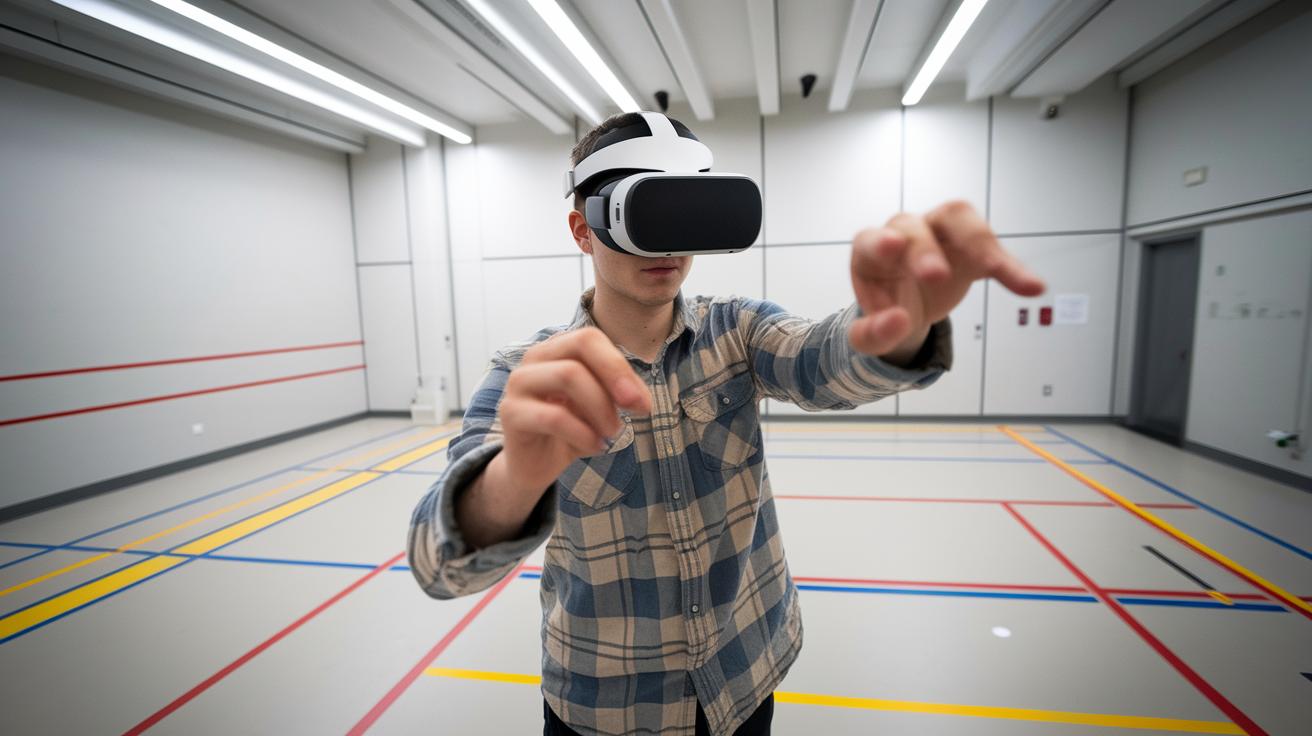
These headsets are made to work with loads of different systems and keep setup super simple. Quest 3 and Quest 3S let you hook up to your PC with Oculus Link or Air Link while still rocking as standalone devices. PSVR2 pairs up with the PS5 and even offers PC adapters for extra play options, whereas Valve Index and Vive Pro 2 are all about SteamVR. XR Elite shines in mixed-reality on Windows, and Pico 4 Ultra hooks Android and PC devices together via USB. Ever felt that buzz when your gear just clicks into place? That’s the thrill of a well-set-up headset.
Here are some quick tips for leveling up your VR space:
- Clear a 6×6 ft zone to dodge any accidental bumps during those epic sessions.
- Keep your room well-lit so that inside-out tracking (sensors built right into the headset) stays on point.
- Set up boundary indicators or base stations to mark out your safe play area.
- Regular software updates mean you’ll always have the latest improvements and fixes.
- Connect your favorite game store accounts so accessing hot VR titles is a breeze.
Gamer Verdicts & Troubleshooting for VR Headsets
VR gamers say even top headsets come with their quirks. Some Quest 3S users mention a bit of strap discomfort, while Index fans sometimes find the IPD (the distance between your eyes) tricky to adjust. And with inside-out devices, you might notice a quick tracking drift that can throw you off mid-game.
Try these simple fixes to level up your play:
- Set up your play space to boost tracking accuracy.
- Keep your firmware updated to grab the latest fixes.
- Adjust the IPD for a view that really fits you.
- Improve room lighting to help the sensors stay on point.
- Secure your cables so they don’t trip you up during epic moments.
These tweaks have helped loads of gamers get smoother, more comfy sessions. A few easy adjustments can fix common issues, letting you dive into more immersive and reliable VR play, even when minor glitches pop up during long gaming marathons.
Final Words
In the action, we broke down seven standout VR headsets, from Meta Quest 3's versatility to Pimax Crystal Light’s wide field. We checked performance metrics with smooth frame rates and accurate tracking and even talked comfort and visuals. We looked at value, setup, and ease of integration too. The article gave clear guidance to help your gaming sessions feel more immersive, practical, and fun. It all ties back to the best VR headset expert reviews for gamers. Enjoy your next VR stint and keep gaming strong!
FAQ
What are the best VR headsets recommended by expert reviews and gamer communities online?
Expert reviews and gamer communities favor models like Meta Quest 3, Valve Index, and PSVR2. These headsets offer smooth tracking, high refresh rates, and immersive visuals for different gaming needs.
What is the best VR headset for PC gamers?
The Valve Index earns top marks for PC gamers with its high refresh rate, accurate tracking system, and crisp visuals, making it ideal for competitive gameplay and detailed virtual experiences.
What VR headset works best with consoles like the PS5?
PSVR2 stands out for console gamers. Its OLED display, built-in tracking, and excellent integration with the PS5 offer vibrant visuals and a fluid gaming experience that fans enjoy.
What makes the Meta Quest 3 a popular choice among gamers?
The Meta Quest 3 impresses with its standalone design and intuitive inside-out tracking. Gamers appreciate its ease of use, freedom from wires, and quality display for both gaming and augmented reality content.
Which VR headset is best suited for watching movies?
For movie lovers, headsets like the Meta Quest 2 Advanced provide clear visuals and a lightweight build. They deliver an enjoyable watch with a comfortable design even during longer viewing sessions.
What VR headsets are expected to be top choices in 2025?
Emerging models like the Meta Quest 3S and Apple Vision Pro show promise with advanced standalone features, improved displays, and innovative tracking systems that will likely set high standards for future VR gaming and entertainment.
Which VR headset do streamers commonly use for content creation?
Many streamers lean toward the Valve Index because of its high refresh rate and precise tracking. This headset reliably captures fast-paced action, making live broadcasts engaging and smooth.
How do headsets like HTC Vive Pro 2, Oculus Rift, and Pico 4 Ultra compare for gamers?
Each headset offers unique strengths: HTC Vive Pro 2 excels in visual quality, Oculus Rift provides a time-tested experience, and Pico 4 Ultra offers a robust standalone option suited for various gaming scenarios.
What are some of the best VR games to try on these headsets?
Top VR games cover a range of genres from competitive shooters to immersive puzzles. They provide dynamic, hands-on experiences that fully utilize each headset’s strengths and bring the virtual world to life.


