
Have you ever wanted to jump behind the scenes and change up a game you love? Space Marine 2’s Nexus lets you do just that by offering brand new modding tools and a supportive community. Every tweak you make during those intense battles feels like a fresh chance to shake things up, kind of like adjusting your gear right before a big match.
This setup not only makes gameplay smoother but turns each match into your own personal showdown. You get to call the shots and rewrite the fight your way. Ready to see how Nexus is taking Space Marine 2 to the next level? Let’s dive in and check it out.
Nexus Integration in Space Marine 2: Platform Overview
If you’ve heard about Nexus in Space Marine 2, it’s talking about Nexus Mods – the main spot where you can download and manage mods for the game. Recently, when Integration Studio dropped on the modding Discord, modders got full access to the game’s code, kind of like getting a backstage pass. Game director Dmitry Grigorendo even mentioned that developers are totally backing modders, so creators get all the support they need to add cool tweaks and fresh enhancements.
This new setup makes it easier than ever for gamers to customize their play. With open code and a solid set of modding tools, you can really push the game in new directions. Saber Interactive’s commitment shines through – just look at that mod with more than 190,000 downloads. Ever feel that rush when you see a community hitting major milestones?
By making Nexus Mods the go-to hub for Space Marine 2 mods, developer support becomes a key part of the game’s evolving vibe. Official guidelines and community feedback are mixing together to create a lively mod scene, where you don’t just play the core game but also dive into custom additions that totally redefine epic battle moments.
Space Marine 2 Nexus Energizes Gamers
The mods on Nexus have given Space Marine 2 a fresh burst of energy, adding wild twists that every gamer can appreciate. Astartes Overhaul 7.2.0 drops Terminator units, introduces NPC Dreadnoughts for missions, and even kickstarts huge 12-player lobbies. Picture yourself jumping into a PVE match with two new classes, eleven fresh weapons, and the chance to mix and match your upgrades mid-fight, it’s like powering up your gear in the heat of battle. The Deep Strike – 12 Player Operations Addon keeps multiplayer sessions intense, while the Simple Armor and Heraldry Unlocker lets you change your look without a ton of effort. These changes do more than add cool features; they completely transform how you play.
The community is buzzing with excitement, and every new mod makes the gameplay more thrilling while staying true to the classic feel. Gamers are saying that the Primarch Power Fantasy mod boosts your damage and armor, letting you feel like a real powerhouse on the field. And when distractions are a hassle, the Disable Screen FX mod clears the clutter so every hit and explosion feels crisp. For those who dig visual details, the Blood on the Armour Stays Longer mod shows off realistic battle scars that add a raw, gritty vibe to every firefight. It’s easy to see why these standout mods are lighting up Nexus and shaking up the mod scene.
- Astartes Overhaul 7.2.0 mod
- Deep Strike – 12 Player Operations Addon mod
- Simple Armor and Heraldry Unlocker mod
- Primarch Power Fantasy mod
- Disable Screen FX mod
- Blood on the Armour Stays Longer mod
Installing Space Marine 2 Nexus Mods: Process Overview
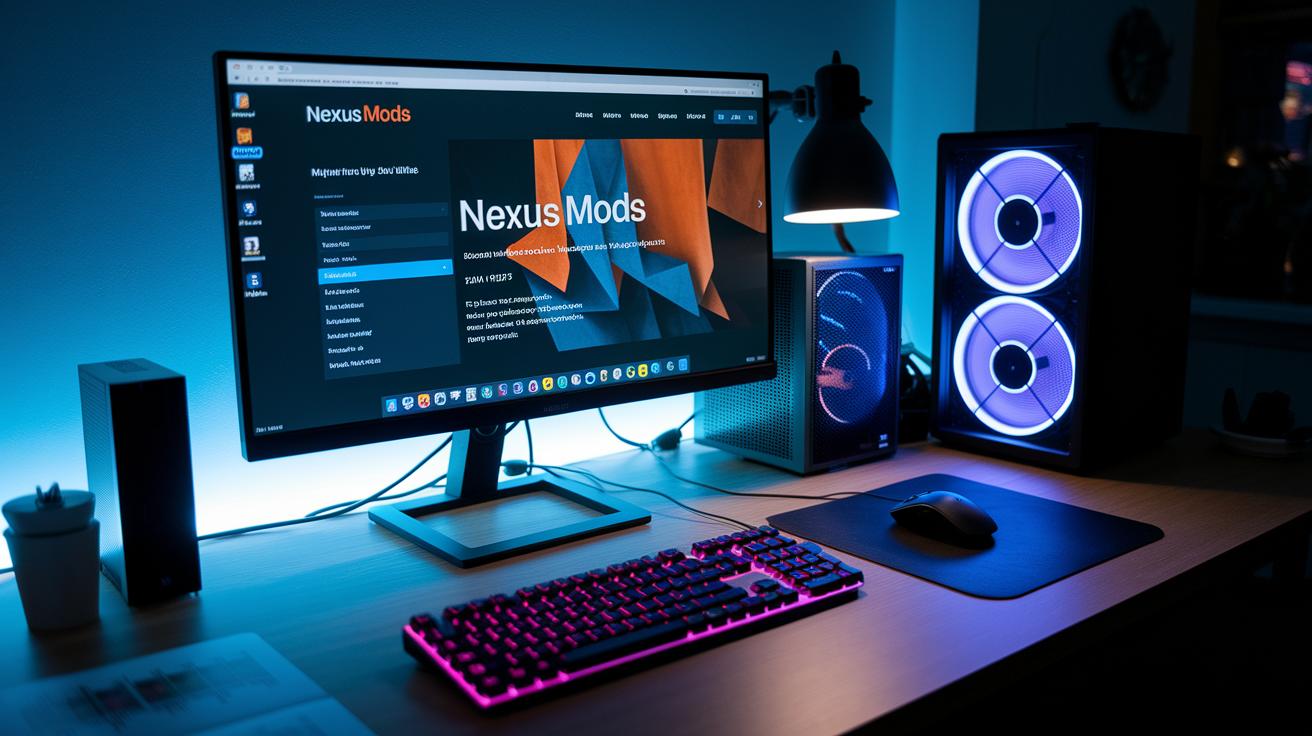
First things first, grab your top mods from Nexus Mods. Head over to the Space Marine 2 section, pick the mod that catches your eye, and click “Download (Mod Manager).” Once the file lands, fire up Integration Studio to drop those mod files right into your game’s mod folder. Think of it like assembling your custom loadout before a major raid, each step counts for glitch-free action. And don’t forget, your rig should be ready for battle: Windows 10/11, an SSD, and 16 GB RAM to handle epic fights and upgraded graphics.
After your download, give your mod files a quick check with the built-in checksum tools. These little verifications are like your pre-game gear check, they catch any corrupted files that might wreck your session. With everything looking solid, the next thing to focus on is compatibility. Load order is key: arrange your mods with Nexus Mod Manager or Vortex. Sorting your load order properly is just like fine-tuning your gear before a hardcore match, each piece plays a crucial role in your overall performance.
Lastly, you might need to do a bit of tweaking to keep things running smooth. Once all the mods are in place and verified, jump into a couple of in-game sessions to see how everything meshes. If you run into performance issues, check for any conflicting modifications and make sure each mod is well aligned with your system’s setup. A quick review of load order and compatibility can save you loads of troubleshooting time, letting you get straight to the heart-pounding action on the digital battlefield.
Performance Optimization for Space Marine 2 Nexus Mods
If you want your game running smoother, try cutting out some of the extra effects. For instance, the Remove Screen FX mod gets rid of heavy overlays that can drop your fps (frames per second). It's like turning down the background noise so you can focus on every epic fight.
Tweaking your graphics settings is another must. Mods like Blood on the Armour Stays Longer add extra visual punch, but that can strain your GPU. Lowering texture details or dialing back some options is similar to balancing your gear before a big match, nothing should hold you back.
When you mix in audio overhaul mods, a little volume tuning might be needed to dodge any annoying clipping. And don’t forget to keep an eye on your performance stats using in-game commands or tools. That way, you can catch any hiccups early and enjoy your gameplay to the fullest.
Community Conversations on Space Marine 2 Nexus
Every day, over 5,000 modding fans light up the Discord, with even some developers from Saber Interactive joining in. Players chat about everything from mod tweaks to hidden bugs, sharing quick, helpful tips like you’d swap loadouts right before a big match.
The comment threads on Nexus Mods work like mini-forums where gamers flag issues and drop ideas to improve each mod. It’s almost like meeting in a virtual locker room to break down every play and fine-tune the gameplay. Fans share cool modifications, compare notes on performance, and point out quirky glitches that need fixing ASAP.
On Reddit, communities like r/SpaceMarine2 and r/NexusMods spark daily discussions about mod updates, new weapon skins, and innovative co-op setups. People freely share insights on balancing battles and refining custom weapon features, making every update feel like a well-coordinated team strategy session.
Upcoming Nexus Updates for Space Marine 2

Saber Interactive is about to drop Integration Studio v1.1, and it's a big deal for modders. This update makes activating scripts a snap, so creating mods is easier than ever. Plus, there's a fresh patch coming soon that helps sort out load orders and fix conflicts, which means your mods can run smoother without unexpected glitches.
Looking forward, there are some cool experimental features on the horizon. Imagine syncing your mods across different platforms or getting a handy configuration guide on your PS5 or Xbox. These changes show that the team is all about making modding simpler and more fun. Whether you’re a casual creator or a hardcore modder, these updates are set to boost your gaming experience.
Final Words
In the action, the post broke down everything from Nexus integration to detailed mod installation. It highlighted official mod support through Integration Studio, guiding you through file checks and load order tweaks. We also dug into optimizing performance, fine-tuning graphics, and balancing audio shifts.
Community chats and upcoming Nexus updates kept the discussion lively. The spotlight on space marine 2 nexus serves as a reminder that every mod tweak and user tip brings us one step closer to leveling up our gameplay. Keep the momentum going.


