
Ever wondered if mods can totally change your game? Stalker 2 Nexus is stepping in with over 80 unofficial mods that fix those little bugs and quirks we all grumble about. Imagine a crew of gamers coming together to smooth out glitches and bring back that classic, satisfying feel.
Whether you're on PC Game Pass, Steam, or GOG, this mod hub makes it super easy to level up your game. In this post, we break down how the Nexus is revamping Stalker 2, showing that when the community teams up, every play session feels fresh, fun, and just plain awesome.
Stalker 2 Nexus Hub Overview
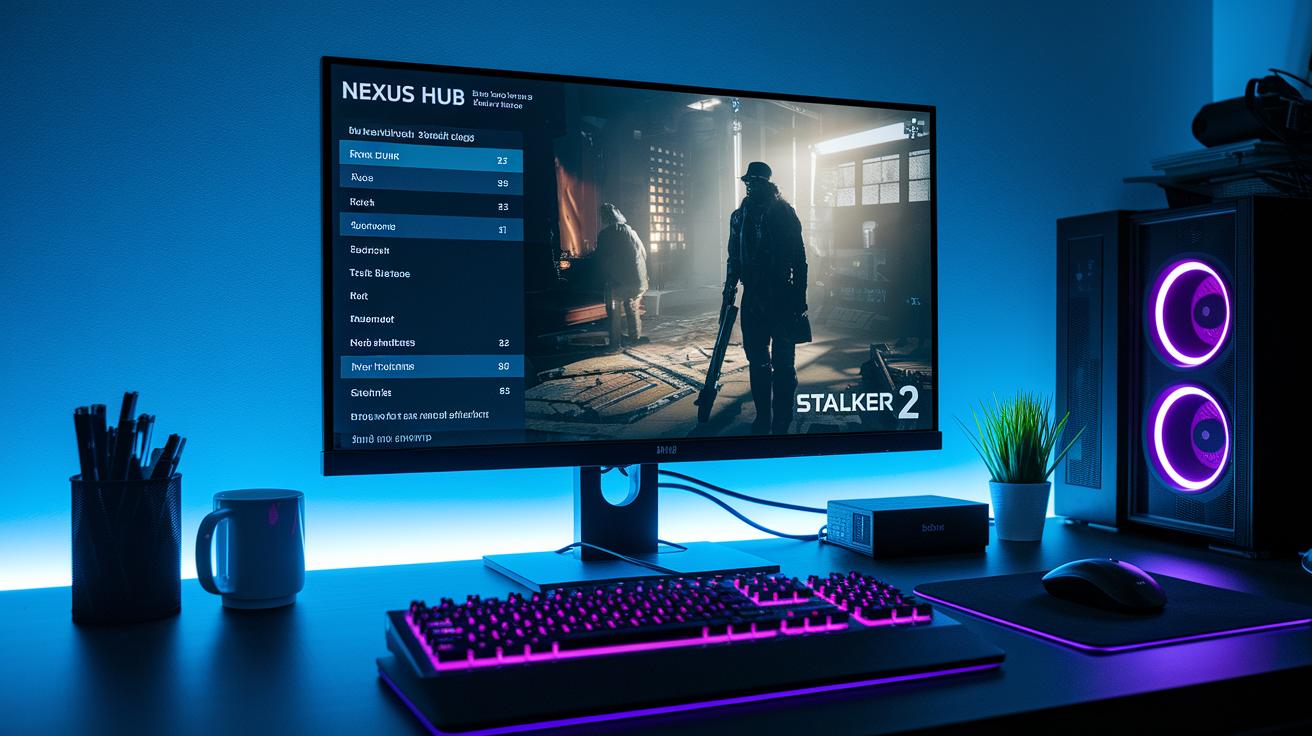
Have you heard the buzz? In just a few days, the Stalker 2 Nexus dropped over 80 unofficial mods for PC, and fans are loving it. It’s like watching a squad of creative gamers come together to solve all those annoying gameplay bugs, like crazy repair costs, mutants with way too much health, and gear that falls apart too fast. These mods bring back that classic STALKER vibe, while making the game smoother and more balanced.
This hub is super friendly no matter where you play. Whether you’re on PC Game Pass (Microsoft Store), Steam, or GOG, you can jump in and level up your experience with these mods. And while Xbox Series X|S support is in the works, it might take a bit longer, so keep your eyes peeled for updates.
The community is all about making things better, and many reviews are already praising how certain mods make gameplay more fluid and boost system stability. There’s also a focus on patch updates with fixes and balance tweaks that address old issues. For anyone who’s passionate about STALKER, the Nexus is more than just a mod hub, it’s proof that community passion can keep a game vibrant and exciting.
Installing Mods from Stalker 2 Nexus
Mods on Nexus work with PC Game Pass (Microsoft Store), Steam, and GOG. Each platform needs its own file path and a couple of tweaks during installation. And if you're on Xbox Series X|S, mod support is coming soon, keep an eye on manager updates. This mod manager makes life easier by downloading mods, organizing your load order, and checking your files before you jump into a game, so you avoid common issues like load-order conflicts or missing files.
Here’s a simple step-by-step guide to get your mods running:
- Create your Nexus account and install the Nexus Mod Manager
- Browse or search for the mod you want on Stalker 2 Nexus
- Download it using the manager or the manual ZIP method
- Extract and install it into the game folder (the path varies by platform)
- Enable or disable mods through the manager interface
- Verify the files, launch the game, and check that the mod is active
Just remember to check your platform’s file paths and follow any troubleshooting tips if something doesn’t go as planned. It’s like gearing up for a big match, a few quick setup steps and you’re ready for a smoother, customized STALKER 2 experience.
Gameplay Improvements and System Tweaks on Stalker 2 Nexus
The community has been hard at work, tweaking gameplay with fresh mod techniques that bring back the classic STALKER vibe. Mods are popping up to lower repair costs, adjust mutant toughness, and boost gear longevity. Ever noticed how a smart tweak can save you a ton of in-game cash? It’s like stumbling across a secret cheat code that turns pricey repairs into affordable fixes.
Repair Cost Reduction Mods
These mods trim the sky-high costs of fixing up your weapons and gear. Gamers are loving how lowering repair fees frees up resources for ammo and upgrades, kind of like scoring a sweet discount on in-game essentials. One mod, for example, slashes repair costs from an eye-popping 120% down to a cool 80%. Pretty neat, right?
Mutant Health Adjustment Mods
Sometimes, mutants get way too tough, throwing off the game’s balance. These mods adjust their health so battles stay challenging without feeling impossible. Imagine a boss fight where your skills, not brute force, decide the win, that’s the magic of a 35% tweak in mutant health. It keeps the adrenaline pumping and the strategy sharp.
Equipment Durability Fixes
Nothing kills the mood like your gear breaking right when you need it most. Durability fixes change the game so that equipment wears out less frequently, letting you focus on the action instead of endless repairs. One mod turns constant breakdowns into occasional hiccups, smoothing your progress as you navigate harsh game worlds.
All these community-built tweaks not only iron out some gameplay kinks but also pave the way for upcoming Xbox mod support. Get hyped for more cool tutorials and advanced system tweaks just around the corner!
Gameplay Improvements and System Tweaks – Trending Mods

Gamer forums are buzzing with lively chats about the newest mod trends. Players are swapping tips on adjusting repair costs, tweaking mutant health, and boosting equipment durability, all without rehashing the details of that quick mod launch.
Right now, the top mod picks being talked about are:
- Repair Cost Fix Pack
- Mutant Health Tuner
- Equipment Durability Overhaul
- Survival Mechanics Expansion
- Compatibility & Stability Patches
The community is full of fresh ideas. One player even said, "Fixes spark more ideas for smoother gameplay," really showing how small tweaks can ignite big improvements in gameplay.
Install Mods

When you're adding mods on PC Game Pass, Steam, or GOG, first make sure you're pointing to the right folder for each platform. Follow each step carefully so your mods match up perfectly with your game version, kind of like setting up your gear before a tournament.
Troubleshooting and Compatibility
If things go sideways with load-order issues or missing files, double-check that your mod versions match your game version. Think of it like getting your settings dialed in before a big match. For example, if you're using mod V2.1, it should fit with game build 1.4.3.
- Verify each platform's file paths
- Update your mod manager to the latest build
- Rearrange your mods if you see errors
Keep an eye out for error messages about missing files or dependencies; they usually hint at a quick fix. Also, note that there's no official mod support for Xbox Series X or S yet, so stay tuned for any updates.
Advanced Modding Tools & Customization via Stalker 2 Nexus

For advanced gamers, the Nexus is like your go-to upgrade hub. The built-in mod manager lets you sort your load order and check for any clashes, kind of like making sure every tool in your setup is in perfect sync before a critical match. It keeps things smooth so you can add new mods without fretting over conflicts.
If you’re into diving deeper, you can also tweak settings manually using .ini files. This means you can adjust your weapon stats or move key UI items around to fit your game style. Picture it: you can ramp up your rifle’s damage or shift mission alerts to a spot that really pops on your screen. One modder even said, "I felt like I was building a custom rig for my gameplay," which shows just how fun and personal these tweaks can be.
The community hasn’t forgotten about you either. They offer a series of easy-to-follow tutorials that show you how to use console commands for live tweaks. Whether you’re in a heated standoff or just exploring, you can switch up settings on the fly, almost like changing your strategy mid-match.
Remember, managing these advanced tweaks works best when you stay organized. Always back up your config files and check your load order whenever you add something new. Doing this helps keep your game steady and makes each firefight in Stalker 2 feel even more epic and fine-tuned to your unique style.
Developer Insights & Future Outlook for Stalker 2 Nexus

Developers have been open about what’s coming next for Nexus. They mentioned that Xbox mod support is still under work and there’s no set deadline. One dev said, "We're actively working on this, but quality matters more than speed." On the official forums, gamers are chatting non-stop about mod-tool releases and the upcoming roadmap. In a recent interview, devs hinted at updated beta mod packs that will change survival mechanics and balance the gameplay.
The community is seriously hyped about these new mod projects. Some players compared the upcoming survival mods to the thrill of facing a tough boss fight, saying, "Imagine having tweaks that demand both strategy and precision , that's what we expect." Forum posts have shared details about extended content features that let you refine your in-game strategies even more.
Keep an eye out for more updates as developers roll out new beta mod packs. These early glimpses show a future where mod upgrades not only keep the Stalker 2 experience alive but actually take it to a new level. As feedback keeps coming in, the ongoing chat between the dev team and the community promises more cool innovations ahead.
Final Words
In the action, we explored everything from quick mod install tips to system tweaks that sharpen gameplay. We broke down steps like creating your Nexus account, downloading mods, and managing installations across different platforms. We even touched on community-driven fixes addressing repair costs and mutant health tweaks. Advanced guides and upcoming developer insights round out this rundown. With improved modding tools and community reviews paving the way, the stalker 2 nexus keeps pushing everyone toward a smoother, more fun gaming experience. Enjoy the ride!
FAQ
Q: What does the Stalker 2 Nexus Hub offer?
A: The Stalker 2 Nexus Hub offers community-driven mods that lower repair costs, adjust mutant health, and fix equipment durability, all while supporting multiple platforms like PC Game Pass, Steam, and GOG.
Q: How do I install mods from Stalker 2 Nexus?
A: Installing mods is a six-step process:
- Create a Nexus account and install the Mod Manager.
- Browse for a mod.
- Download the mod.
- Extract/install into your game folder.
- Enable or disable mods via the manager.
- Verify mod activation by launching your game.
Q: What gameplay improvements do community mods offer?
A: Community mods improve gameplay by reducing repair costs, balancing mutant health, and enhancing equipment durability, restoring a true survival experience while building on legacy modding feedback.
Q: Which trending mods are popular on the Nexus?
A: Trending mods include the Repair Cost Fix Pack, Mutant Health Tuner, Equipment Durability Overhaul, Survival Mechanics Expansion, and Compatibility & Stability Patches, reflecting active community feedback and high download numbers.
Q: How can I troubleshoot compatibility and mod issues on Stalker 2 Nexus?
A: Troubleshooting involves checking platform-specific file paths, adjusting load orders, and verifying dependency files so mods work seamlessly across PC Game Pass, Steam, and GOG.
Q: What advanced modding tools are available for customization?
A: Advanced tools include a mod manager for load-order control, custom .ini file tweaks for weapon stats and UI adjustments, and console commands for live changes, letting you personalize your mod setup.
Q: What developer insights shape future Nexus features?
A: Developer insights highlight work on Xbox Series X|S mod support and major survival-mechanics overhauls, with community Q&As and beta previews hinting at exciting upcoming updates.


